Every computer user eventually faces a problem they cannot solve alone. A printer that refuses to connect. A laptop running at half speed. A business email server that stopped delivering messages on a Friday afternoon. These problems create consistent demand for people who can diagnose and fix them remotely, without ever visiting the client’s location.
For Sri Lankans with practical IT knowledge, remote tech support is one of the most accessible service income methods available. The work requires a computer, reliable internet, and the ability to communicate technical solutions clearly to non-technical people. No physical travel, no equipment cost beyond your own setup, and income that can start within days of landing a first client.
This guide covers how remote tech support income actually works in Sri Lanka, what skills the market pays for, how to find clients without a formal employer, and how to recognize the fake tech support scams that damage the industry’s reputation.
What Is Remote Tech Support?
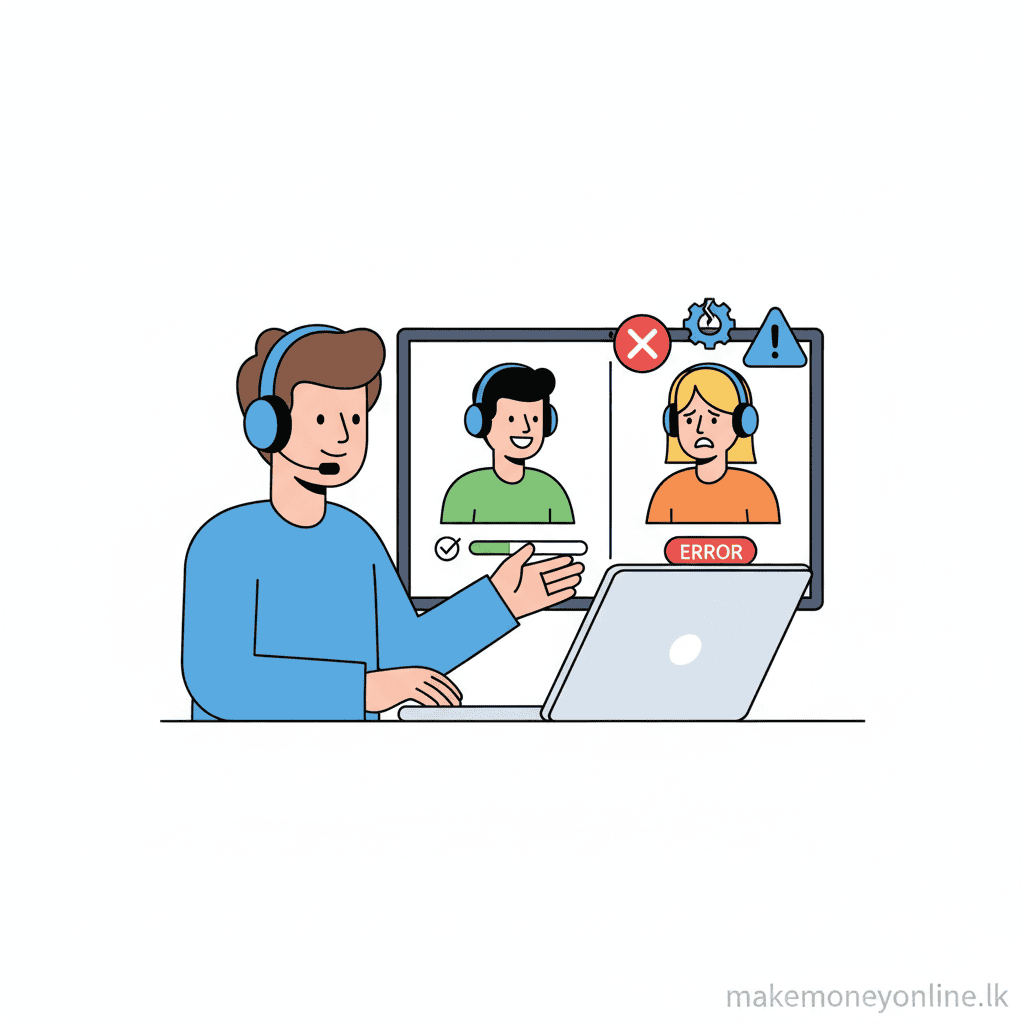
Remote tech support means diagnosing and resolving computer, software, network, and device problems for clients without being physically present. You connect to the client’s device using remote desktop software, walk them through solutions via chat or voice, or guide them through step-by-step fixes over a support call.
The main remote tech support income models:
Individual consumer support: Helping home users with Windows or Mac problems, virus removal, software installation, printer setup, email configuration, and general troubleshooting. Charges are typically per-session (LKR 500 to LKR 3,000) or per-hour (LKR 1,000 to LKR 3,500). The client base is non-technical people who cannot fix issues themselves and do not have a trusted local technician.
Small business IT support: Providing ongoing helpdesk support to small Sri Lankan businesses that cannot afford a full-time IT employee. Monthly retainer agreements (LKR 10,000 to LKR 50,000 per month depending on user count and scope) provide recurring income. Services include workstation support, network troubleshooting, email setup, server maintenance, and software licensing management.
Remote work for international support companies: Working as a contracted or employed remote support agent for UK, US, Australian, or Singapore-based companies that serve global customers. These roles pay in foreign currency and are the highest-income path for Sri Lankan tech support workers. Monthly income ranges from USD 400 to USD 1,200 (LKR 122,000 to LKR 366,000).
Specialized technical support: Supporting specific software products (accounting software, point-of-sale systems, CRM platforms) or specific hardware categories (networking equipment, servers, IoT devices). Specialization commands higher per-hour rates because the knowledge is less common.
How Much Can You Earn from Remote Tech Support?
Remote Tech Support Income Benchmarks
| Support Type | Rate | Monthly Volume | Monthly Income (LKR) |
|---|---|---|---|
| Individual consumer (per-session) | LKR 1,500 to LKR 3,000 | 20 to 40 sessions | LKR 30,000 to LKR 120,000 |
| Small business retainer | LKR 15,000 to LKR 40,000/month | 3 to 6 clients | LKR 45,000 to LKR 240,000 |
| International remote role (employed) | USD 400 to USD 900/month | Full-time | LKR 122,000 to LKR 274,500 |
| Freelance international (per-hour) | USD 8 to USD 20/hour | 60 to 120 hours | LKR 146,400 to LKR 732,000 |
USD → LKR conversion notice. USD-to-LKR figures on this page use a reference rate of approximately LKR 305 per USD, last reviewed 2026-09-01. Actual conversion depends on your provider’s spread and the current market rate. See our methodology. Income depends heavily on whether you work for domestic clients (LKR rates) or international clients (USD rates). Sri Lankan tech support workers serving the domestic market earn LKR 40,000 to LKR 120,000 per month at mid-level experience. Those who secure international remote roles or freelance contracts earn significantly more. The path to higher income is specialization, certifications, and building a track record that international clients can verify.
How Does Remote Tech Support Work?
Step 1: A client contacts you with a problem description. Home users typically describe issues in non-technical language (“my computer is slow,” “I can’t open my email”). Business clients may provide more detail if they have in-house staff who attempted to troubleshoot first.
Step 2: You diagnose the problem through questions. What changed recently? When did the problem start? What error messages appeared? What operating system and version? Good diagnostic questioning before accessing the device saves significant time and builds client confidence.
Step 3: You connect to the client’s device using remote desktop software. TeamViewer (free for personal use, paid for commercial), AnyDesk, or Windows Quick Assist are the primary tools. The client downloads a small program that generates a session code they share with you. You enter the code and gain view and control access to their desktop.
Step 4: You diagnose and resolve the problem while the client watches. For simple issues (software installation, printer driver reset, basic virus scan), resolution takes 15 to 30 minutes. For complex issues (corrupted system files, network configuration problems, data recovery), work may take 1 to 2 hours.
Step 5: You explain what you did and why to the client. Non-technical clients appreciate plain-language explanations of what caused the problem and what they can do to avoid it in the future. This communication skill is what separates good tech support from acceptable tech support.
Step 6: You invoice the client. For per-session work, invoice immediately after the session. For retainer clients, invoice monthly. Domestic clients pay via bank transfer (Commercial Bank, Sampath, BOC, HNB, People’s Bank). International clients pay via PayPal, Wise, or direct bank transfer.
Step 7: Follow up after 24 to 48 hours for complex repairs to confirm the issue did not recur. This follow-up generates significant goodwill and is a primary driver of referrals.

What Skills Do You Need for Remote Tech Support?
Windows troubleshooting proficiency: Most consumer and small business clients run Windows. Diagnosing startup issues, driver conflicts, malware infections, Windows Update failures, registry problems, and performance degradation in Windows 10 and 11 is the foundational skill. Mac support adds a secondary client base, though the Sri Lankan market is predominantly Windows.
Networking fundamentals: Understanding TCP/IP, DNS, DHCP, Wi-Fi configuration, router setup, and VPN configuration is increasingly essential. Many support calls that appear to be computer problems are actually network problems. Recognizing the difference quickly saves time for both you and the client.
Email system configuration: Setting up and troubleshooting email accounts across Outlook, Gmail, Apple Mail, and mobile devices is one of the most common support request categories. Understanding IMAP, POP3, SMTP, and Exchange ActiveSync protocols enables effective email troubleshooting without needing to guess at settings.
Software installation and licensing: Installing, updating, and uninstalling software including Microsoft Office, antivirus tools, accounting software, and browsers is routine work. Understanding software licensing (especially Microsoft licensing models) helps business clients avoid compliance issues.
Security awareness: Identifying malware infections, explaining phishing risks to clients, and guiding password management practices is increasingly expected from tech support providers. Clients who receive a virus removal session alongside practical security advice become long-term clients.
Patient, clear communication: This is the most underrated tech support skill. Explaining a solution to someone who does not know what a “browser” is requires patience, analogies, and the ability to match your communication style to the client’s technical literacy level. Tech support workers who communicate well retain clients far better than those who communicate poorly regardless of technical skill level.
How to Get Started with Remote Tech Support in Sri Lanka
Step 1: Inventory your current technical skills honestly. List every operating system, software category, hardware type, and network technology you can confidently troubleshoot. This inventory defines your initial service scope. Offer only what you can reliably deliver - a failed support session damages your reputation more than declining a service request outside your scope.
Step 2: Set up your remote desktop toolkit. Download and test TeamViewer or AnyDesk. Practice connecting to your own secondary device or a family member’s computer. Understand how the session code sharing works and how to explain the connection process to non-technical clients clearly.
Step 3: Start with your immediate network. Friends, family, colleagues, neighbors, and community contacts who face computer problems are your first clients. Offer your first 5 to 10 sessions at a reduced rate or free in exchange for a review or referral. These first sessions generate testimonials, refine your process, and build local word-of-mouth.
Step 4: Create a simple service listing. A Facebook post, a Gumroad service listing, or a brief LinkedIn post describing your services, your availability, and your contact method generates inbound enquiries. Include a list of specific problems you can solve (virus removal, slow computer, email setup, printer problems, Wi-Fi issues) rather than a generic “I do IT support.”
Step 5: List on freelance platforms for international clients. Upwork and Fiverr both have active demand for remote tech support services. An Upwork profile with specific services (“Windows 10/11 troubleshooting,” “Network setup and configuration,” “Office 365 setup for small business”) and even a few completed jobs generates ongoing inbound client enquiries. Entry-level rates on Upwork for Sri Lankan providers: USD 8 to USD 15 per hour.
Step 6: Pursue a certification for credibility. CompTIA A+ is the most widely recognized entry-level IT certification and provides international credibility. The exam costs approximately USD 239 (LKR 72,895). Microsoft Certified: Modern Desktop Administrator Associate is valuable for business Windows support clients. These certifications are not required to start but accelerate trust with international clients who cannot evaluate your skills through in-person interaction.
Pros of Remote Tech Support
Consistent and recurring demand. Computers break, software fails, and networks malfunction regardless of economic conditions. Every Sri Lankan business that uses computers is a potential client, and repeat business from the same client is very common. A small business client who has a positive first support experience will call you every time they have a problem.
Low startup cost. Your computer and internet connection are the only required tools. TeamViewer and AnyDesk have free tiers for personal/light commercial use. A professional setup (paid remote desktop license, basic ticketing system, invoicing software) costs under LKR 15,000 per year.
USD income accessible from Sri Lanka. International remote support roles and Upwork contracts pay in USD, providing favorable LKR conversion for Sri Lankan providers. The IT support skills gap between Sri Lanka and Western markets means Sri Lankan providers can offer competitive rates and still earn meaningfully above domestic market rates.
Transferable to employed positions. IT support experience opens doors to employed remote positions with international companies. Experience as a freelance tech support provider is directly relevant to helpdesk analyst, IT support specialist, and desktop engineer roles with formal employment, benefits, and career progression.
No geographic limitation. A client in Jaffna, a diaspora client in London, or a business in Singapore can all be served from the same home office. The internet removes every geographic constraint from tech support delivery.
Cons of Remote Tech Support
Some problems cannot be fixed remotely. Hardware failures (failed hard drives, damaged screens, broken components) cannot be resolved without physical access to the device. Having a clear policy for physical repair referrals avoids frustrating situations where you and a client spend an hour on a remote session before discovering the problem requires hands-on work.
Difficult clients are common. Tech support attracts non-technical clients who are stressed, frustrated, and sometimes convinced that their problem is worse than it is. Managing client expectations, maintaining patience with clients who cannot follow instructions clearly, and de-escalating frustrated clients are emotional labor costs that are underestimated before starting.
Income can be irregular without retainer clients. Per-session income is unpredictable - some weeks deliver 15 requests, others deliver 2. Building a base of monthly retainer clients (small businesses) stabilizes income significantly compared to pure per-session work.
Security responsibility. Remote access to a client’s computer carries security obligations. Using reputable remote desktop software, never storing client credentials, and maintaining professional boundaries around data access are both ethical requirements and business necessities. A single incident involving client data misuse would be career-ending in this field.
Best Platforms for Remote Tech Support
Upwork
The largest freelance marketplace with consistent demand for IT support, computer repair, and technical troubleshooting services. Sri Lankan providers can compete effectively on price while building reviews that justify rate increases over time.
- Freelancer service fee (verified 2026-09-02): variable 0-15% per contract since 1 May 2025 (effective average ~11-13.5% for most freelancers), replacing the previous flat 10% (May 2023 → April 2025) and the pre-2023 tiered model. Model your take-home against the current per-contract rate.
- Best for: International clients, building long-term client relationships
Fiverr
Gig-based marketplace where you create fixed-scope service packages (“Virus removal and PC cleanup for USD 30”). Good for standardized, repeatable support tasks that can be priced predictably.
- Commission: 20% of each order
- Best for: Standardized support packages, first international clients
Scam Alerts: Remote Tech Support Red Flags
The “Microsoft/Google/Apple Called Me” Scam
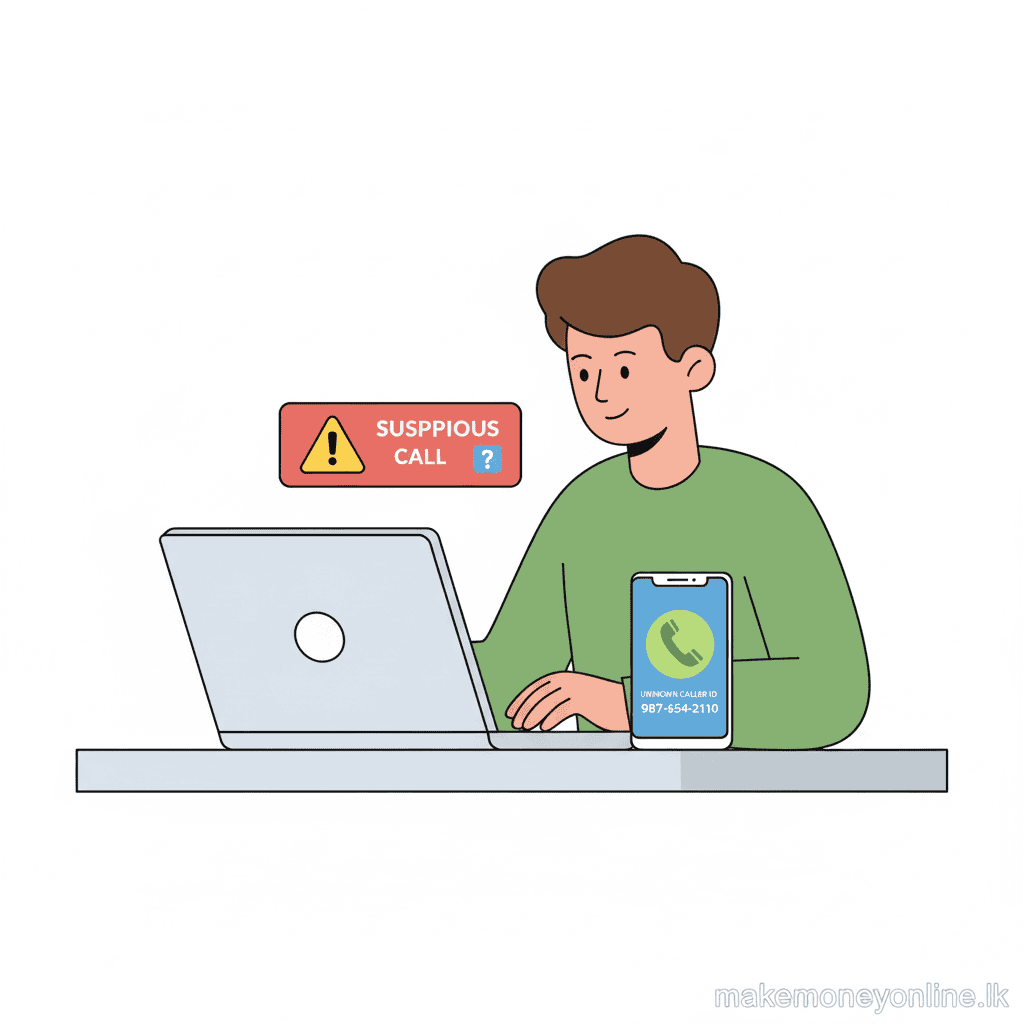
This scam does not target you as a provider - it is a scam you will encounter from the client side. Fraudsters call home users claiming to be from Microsoft, Google, or Apple, warn them their computer is infected, and request remote access. They then install malware, steal data, and charge for fake “repairs.” Clients who have experienced this scam will sometimes contact legitimate providers with deep distrust of remote access. Understanding this scam and being able to explain the difference between a fraudulent call and a legitimate support request is essential for working with consumer clients.
Fake Remote Tech Support Job Offers
Advertisements for “work from home tech support” positions that require a “registration fee,” “background check payment,” “equipment deposit,” or “training fee” before employment begins are fraudulent. Legitimate tech support employers do not charge applicants fees. Any “job offer” that requires payment before you begin work is a scam designed to extract money from job seekers.
“Test Project” Exploitation
A client on Upwork or Fiverr requests a “short test project” to evaluate your skills - typically a multi-hour troubleshooting task described as a 30-minute evaluation. If a client asks you to perform significant work before paying, decline. Legitimate clients pay for work. Establish payment terms before beginning any session, especially with new clients on platforms where dispute resolution is the only recourse.
Overpayment Scams for Tech Support Services
A client contacts you directly (outside a protected platform) offering a large contract. They pay you with a check or bank transfer that exceeds the agreed amount and ask you to refund the difference. The original payment reverses. Never process refunds for payment amounts that exceed what was agreed. Any client who sends an overpayment and requests a return of the excess is running a fraud scheme regardless of how legitimate their communication appears.
Fake “Remote Support Platform” Job Opportunities
Websites advertising employed positions with tech support platforms that require you to purchase their “proprietary software,” “certification,” or “workspace toolkit” to access client jobs are not legitimate employers. These sites collect money from aspiring tech support workers under the guise of onboarding requirements. Legitimate remote support platforms (Concentrix, Teleperformance, Conduent, iQSTEL) never charge workers to access their job systems.
Final Verdict: Is Remote Tech Support Worth It for Sri Lankans?
Remote tech support is a genuine, accessible income method for Sri Lankans with practical IT skills, reliable internet, and the communication ability to work effectively with non-technical clients. The domestic market provides an immediate starting point, and the international market (via Upwork or employed remote roles) provides the income ceiling for those willing to build credentials and a track record.
The work is consistently available, requires minimal startup investment, and scales from part-time income to a full-time career depending on how many retainer clients and international contracts you develop. Unlike creative or content income methods that take 12 to 24 months to build revenue, a skilled tech support provider can earn meaningful income within weeks of starting.
This method suits you well if:
- You have practical Windows, network, or software troubleshooting skills from personal or professional experience
- You communicate clearly and patiently with non-technical people
- You want income that can start quickly without a long audience-building phase
- You are willing to pursue certifications that open international client markets
This method may not suit you if:
- Your technical knowledge is limited to basic consumer-level use
- You find technical troubleshooting stressful rather than satisfying
- You need high income immediately without the time to build a client base and reviews
For related remote service income methods, see the guide on remote customer service in Sri Lanka and the overview of virtual assistant work in Sri Lanka for related remote work income approaches.

Related Ways to Earn Money Online in Sri Lanka
- Web Development — Level up tech skills into development work
- Remote Customer Service — Broaden into general customer support roles
- SaaS Development — Use tech knowledge to build support tools
- Mobile App Development — Apply technical skills to app development
Looking for more ways to earn? Browse our complete guide to making money online in Sri Lanka with 63 online income methods reviewed for legitimacy, skill and time requirements, and payment access from Sri Lanka. See our methodology for how each method is assessed.